

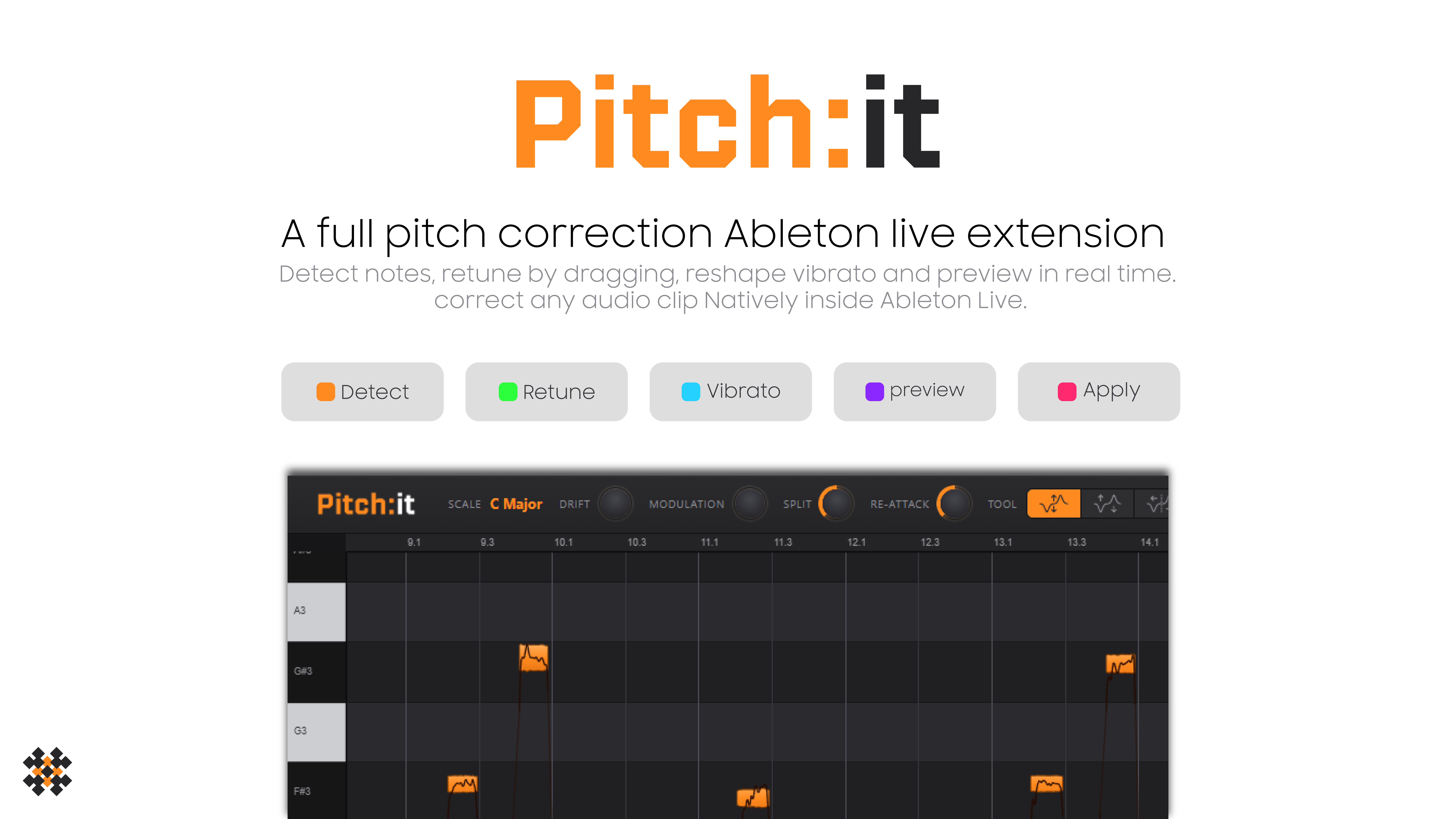
A full pitch correction Ableton Live extension.
No Melodyne. No ARA. No bouncing out to another app. Just a native Ableton Live extension that tunes any audio clip, right where you are working. Right-click a clip, a note editor opens inside Live: drag notes to pitch, shape the vibrato, hear it live, and apply a clean tuned copy to a new track. Your original is never touched.
5 free corrections to try · one license activates 2 computers · Mac & Windows
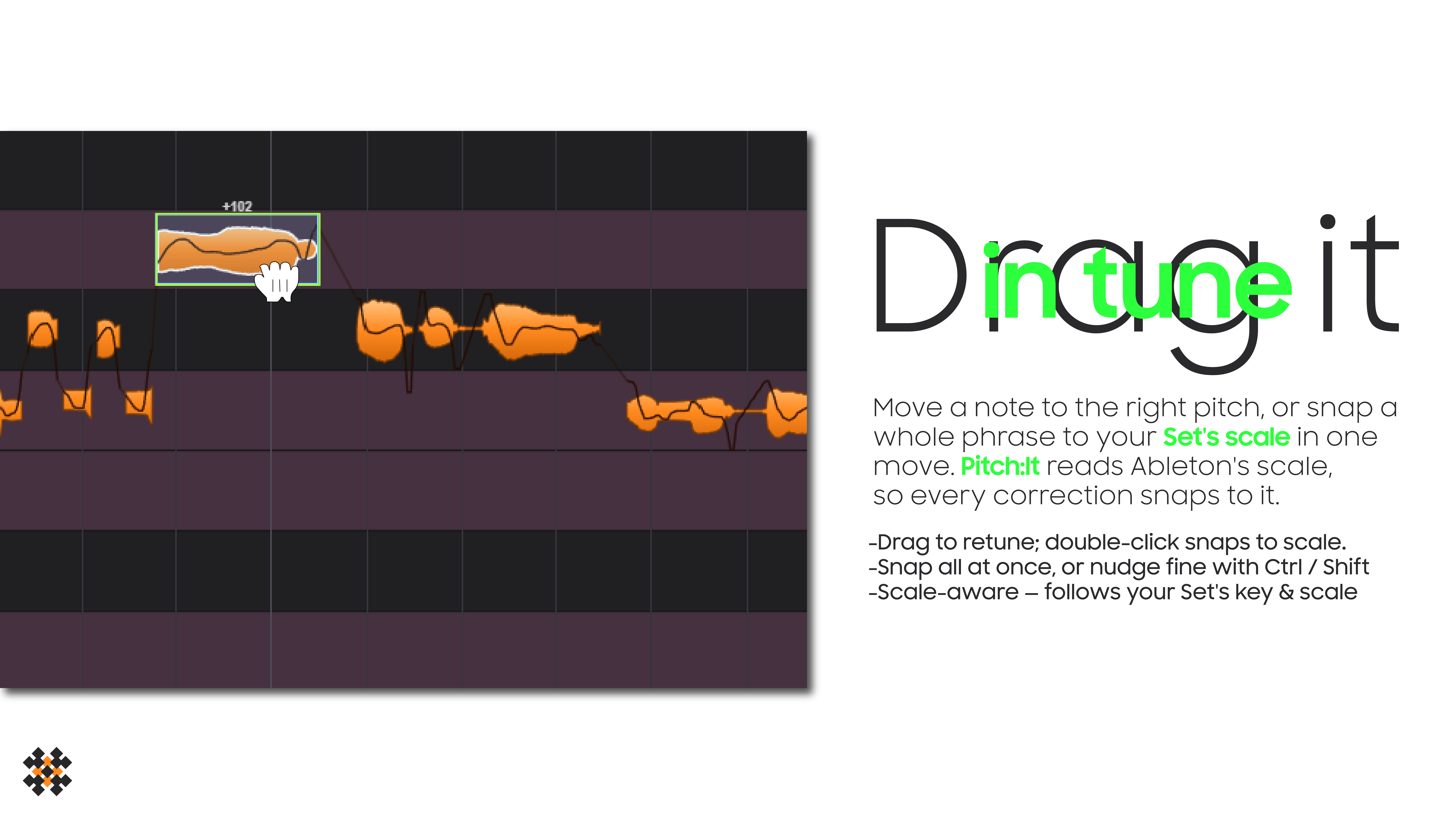
Drag notes to retune; snaps to the nearest semitone (hold Ctrl/Shift for fine), double-click to snap to your scale, or Snap All at once.
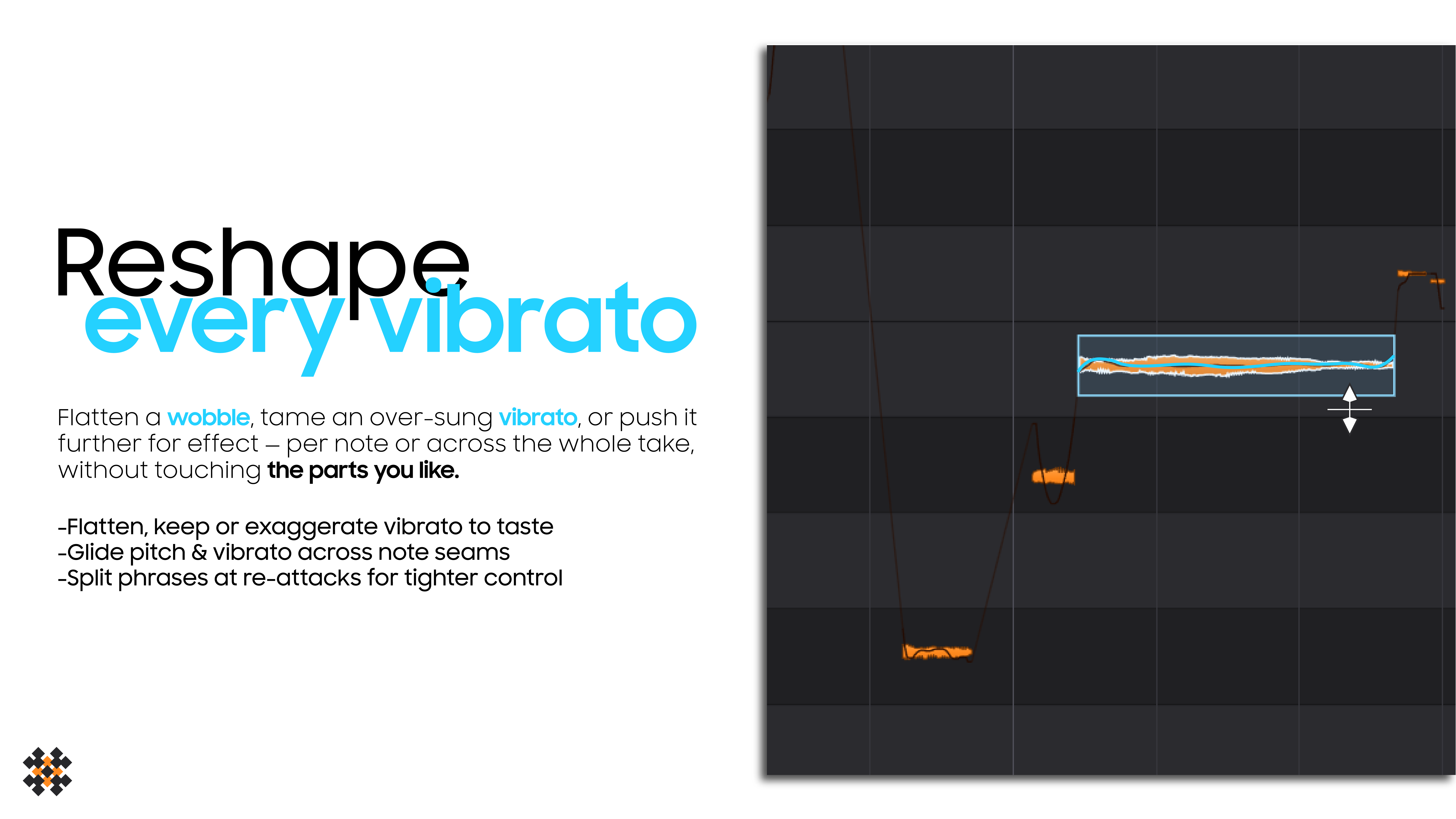
Flatten, keep, or exaggerate the vibrato of any note - per note, not a blunt global effect.
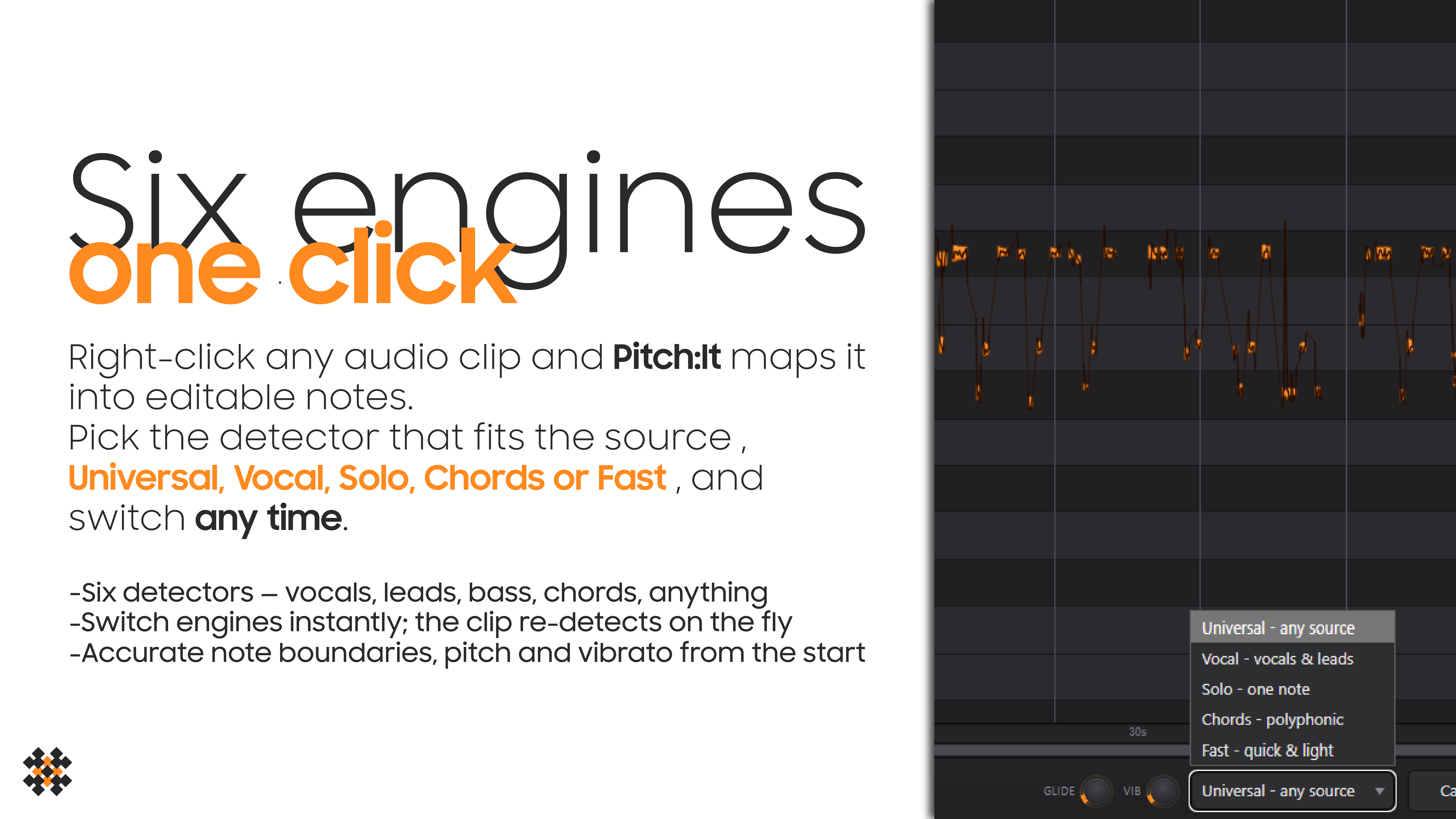
Vocal, Universal, Leads, Solo, Chords, Fast. Switch instantly to fit the source.
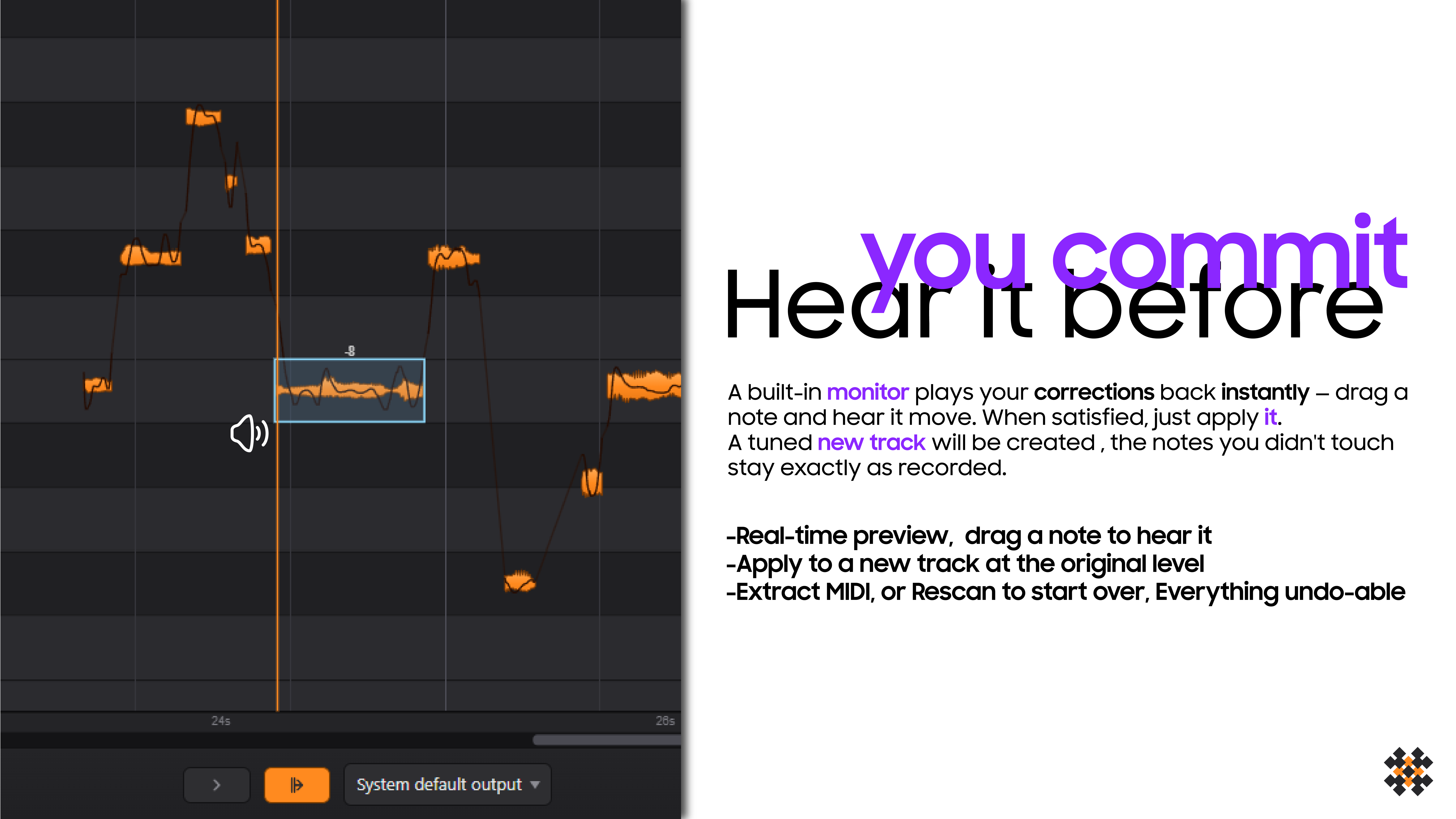
Hold a note to audition it, and hear the pitch move as you drag. Decide before you commit.
Re-pitches the actual waveform, so formants and timbre stay intact. Vocals, leads, synths, bass - mono or poly.
Apply renders a tuned copy to a new track at the original volume. Untouched notes stay bit-for-bit identical. Extract MIDI too.
Install the extension and get 5 free corrections to try it on your own material - no risk. Verify your email inside the extension and you are in. After installing, restart Ableton Live once before your first Apply.
Hit a problem? Tell us exactly what happened and we will fix it fast. The more detail (your OS, Live version, and the steps) the faster we can reproduce it.
Prefer email? contact@xterminatorapps.shop